Site Monitoring
Add-on, billed separately. This feature is not included in the base hosting plan. You can enable and price it from your client portal.
What it does
Section titled “What it does”Site Monitoring watches your site’s logs, error rates, and access patterns in the background. If something looks unusual — a sustained spike in 500 errors, a brute-force pattern against a login page, a request matching a known exploit signature — you get an alert.
By default, alerts go to the contact email on your account. SMS is available for critical-severity events if you opt in.
What’s included
Section titled “What’s included”- Real-time log scanning across PHP, Apache, and access logs.
- Brute-force detection on auth endpoints (WordPress wp-login.php, generic /login, mail auth, SFTP).
- Exploit-signature alerts with severity grading (informational, warning, critical).
- Per-rule ignore lists so you can mute things you’ve already triaged or know are harmless for your site.
- SMS notifications for critical-severity alerts (configurable; off by default).
How to enable
Section titled “How to enable”Site Monitoring is enabled per site. From the client portal, go to your hosting service → Upgrade/Downgrade and pick Site Monitoring.
Where it lives in WHP
Section titled “Where it lives in WHP”Once enabled, find it in the sidebar: Site Monitoring.
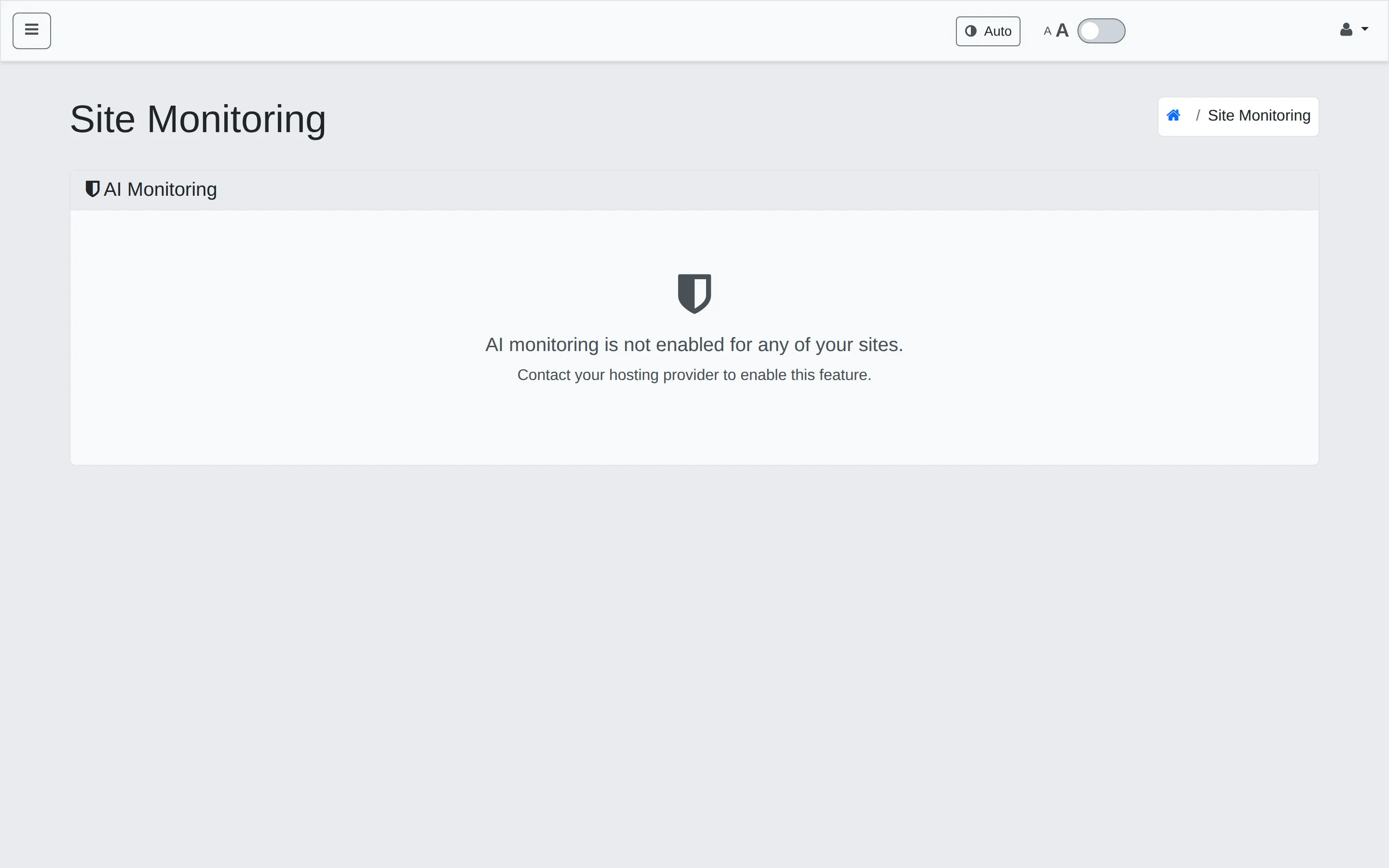
When the add-on isn’t enabled, the page reads: “AI monitoring is not enabled for any of your sites. Contact your hosting provider to enable this feature.”
Once enabled, the page shows a feed of events with severity badges and counts. Click an event for the full log context.
Tuning false positives
Section titled “Tuning false positives”Some signatures are noisier than others — for example, a security scanner you run yourself will trip every exploit-signature rule. Open the rule from the event detail and click Ignore to mute it for your account; the rule stays active for everyone else.
If you find yourself muting a rule frequently, open a ticket — we may be able to tune the underlying rule for everyone instead of you suppressing each instance.
Related
Section titled “Related”Still stuck?
Section titled “Still stuck?”Still stuck? Open a support ticket and our team will help.